
Everything a private
network needs.
Structured communities, a real feed, member identity, networking, events — and Steve inside every room. Built for entrepreneurship networks, student and alumni networks, associations, sports and wellness clubs, and companies.
One umbrella.
Focused rooms.
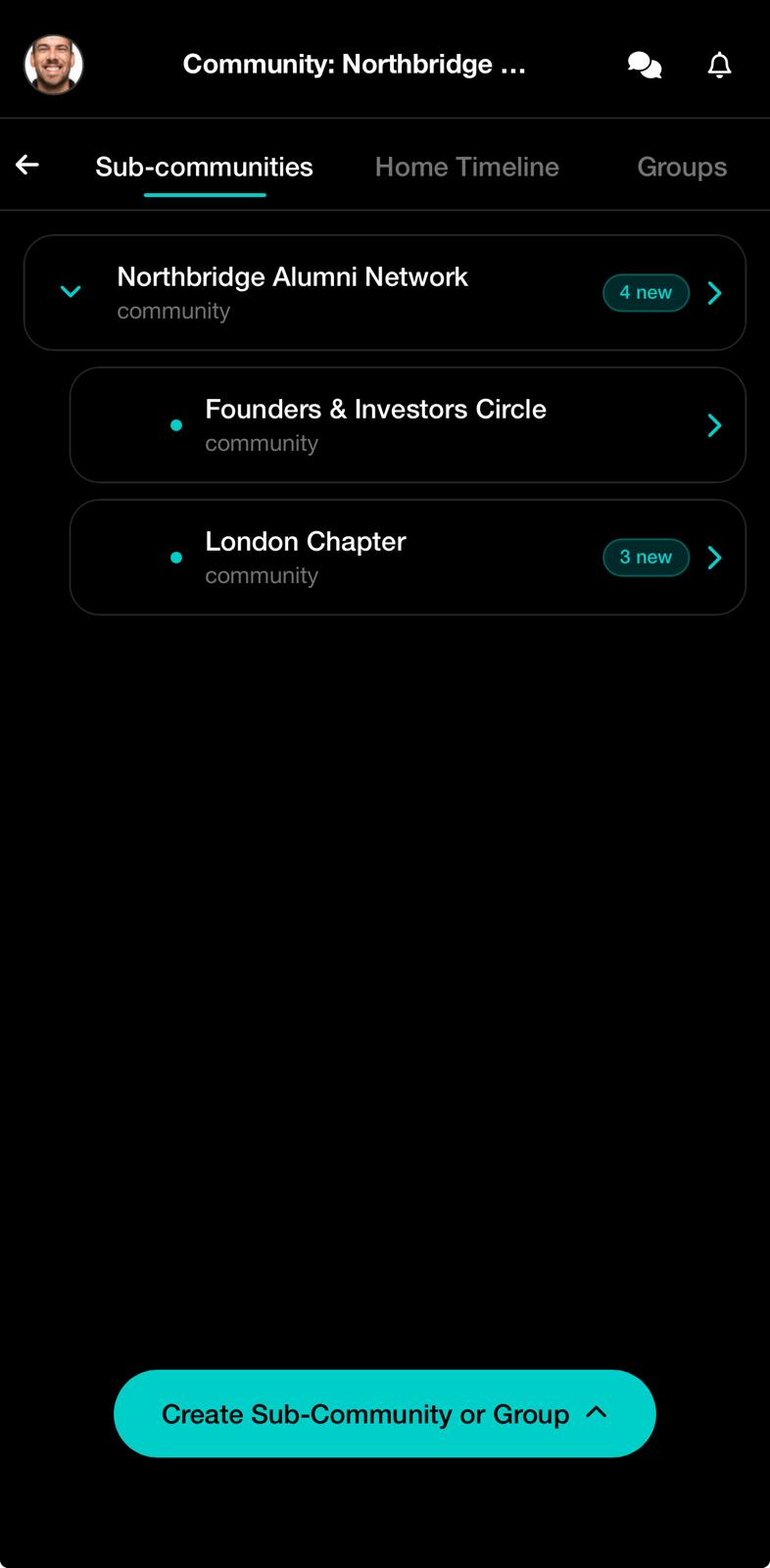
Parent and sub-communities for chapters, committees, and projects — each with its own feed, calendar, and member management.
Where members
help each other.
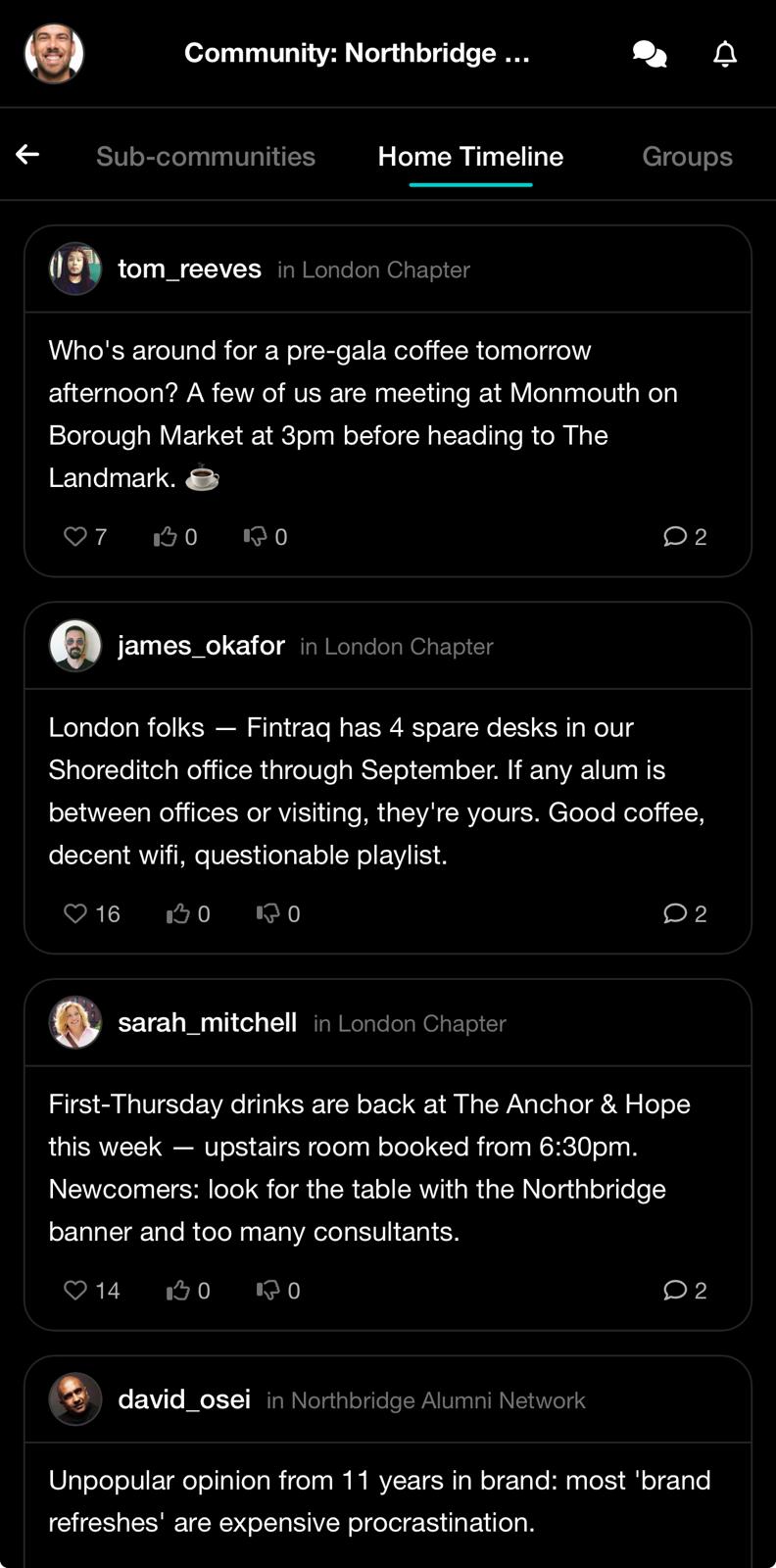
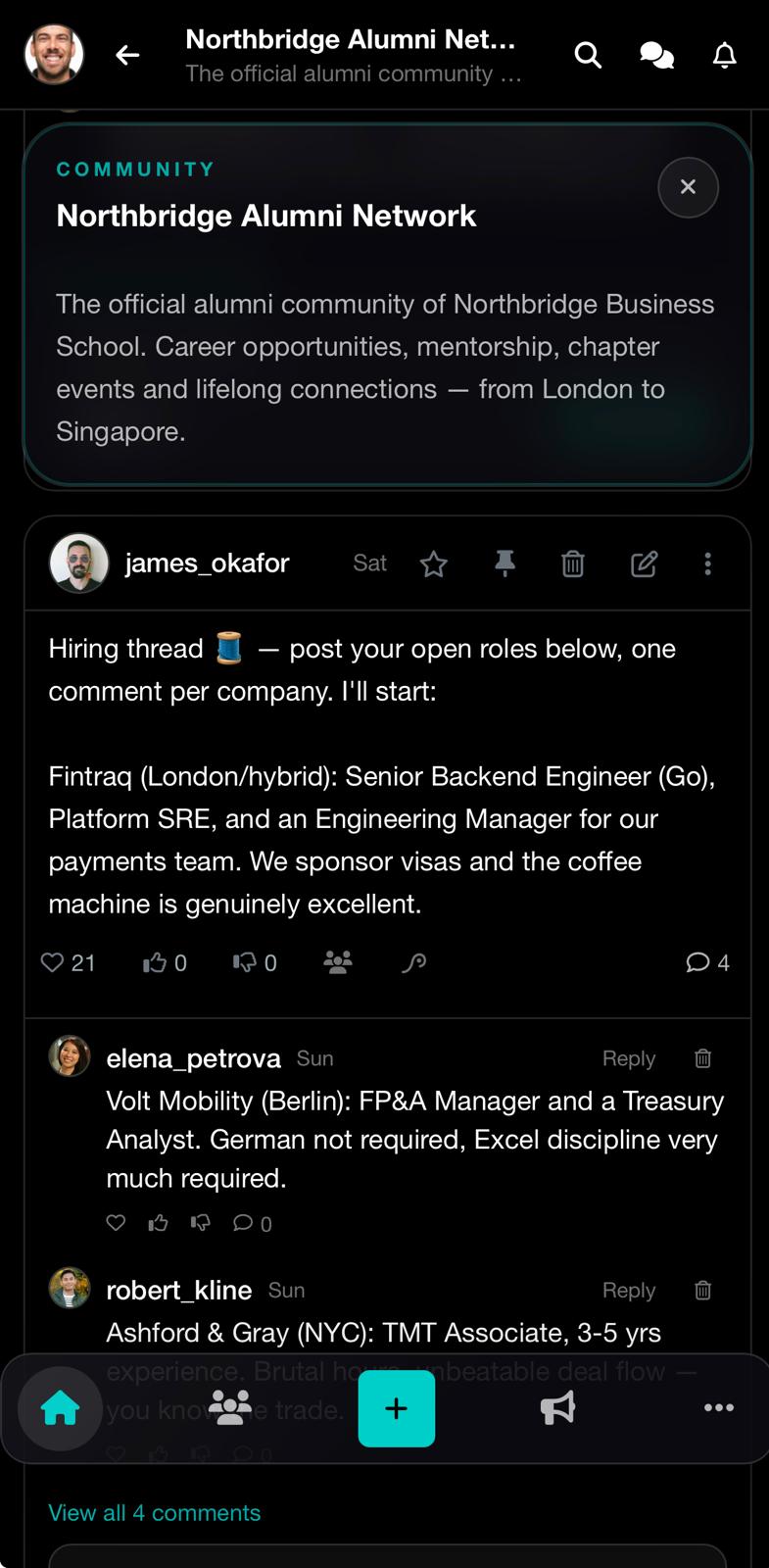
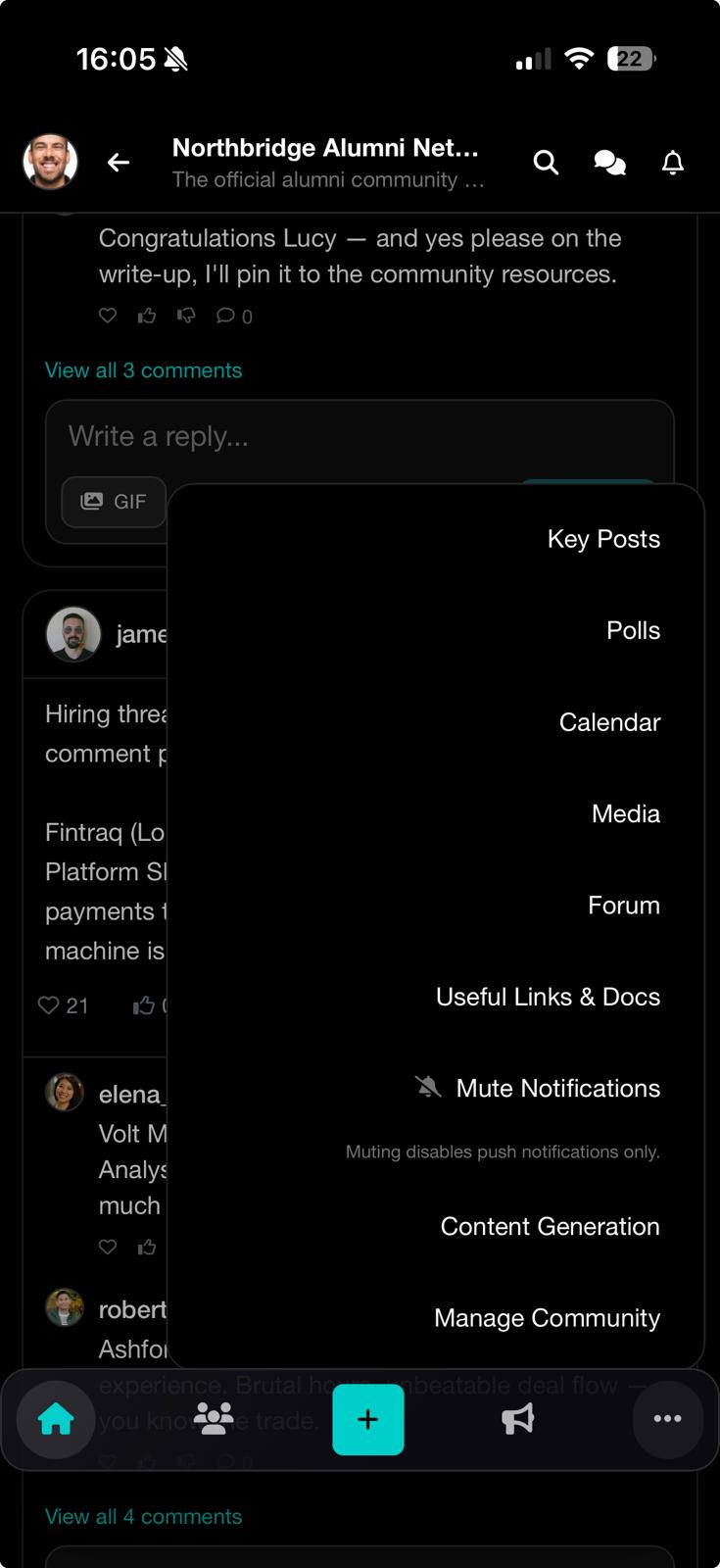
Hiring threads, spare desks, introductions — the network's real value lives in the feed, threaded and findable. Key posts, polls, calendar, media, and forum sit one tap away, inside the community.
One profile,
two sides.
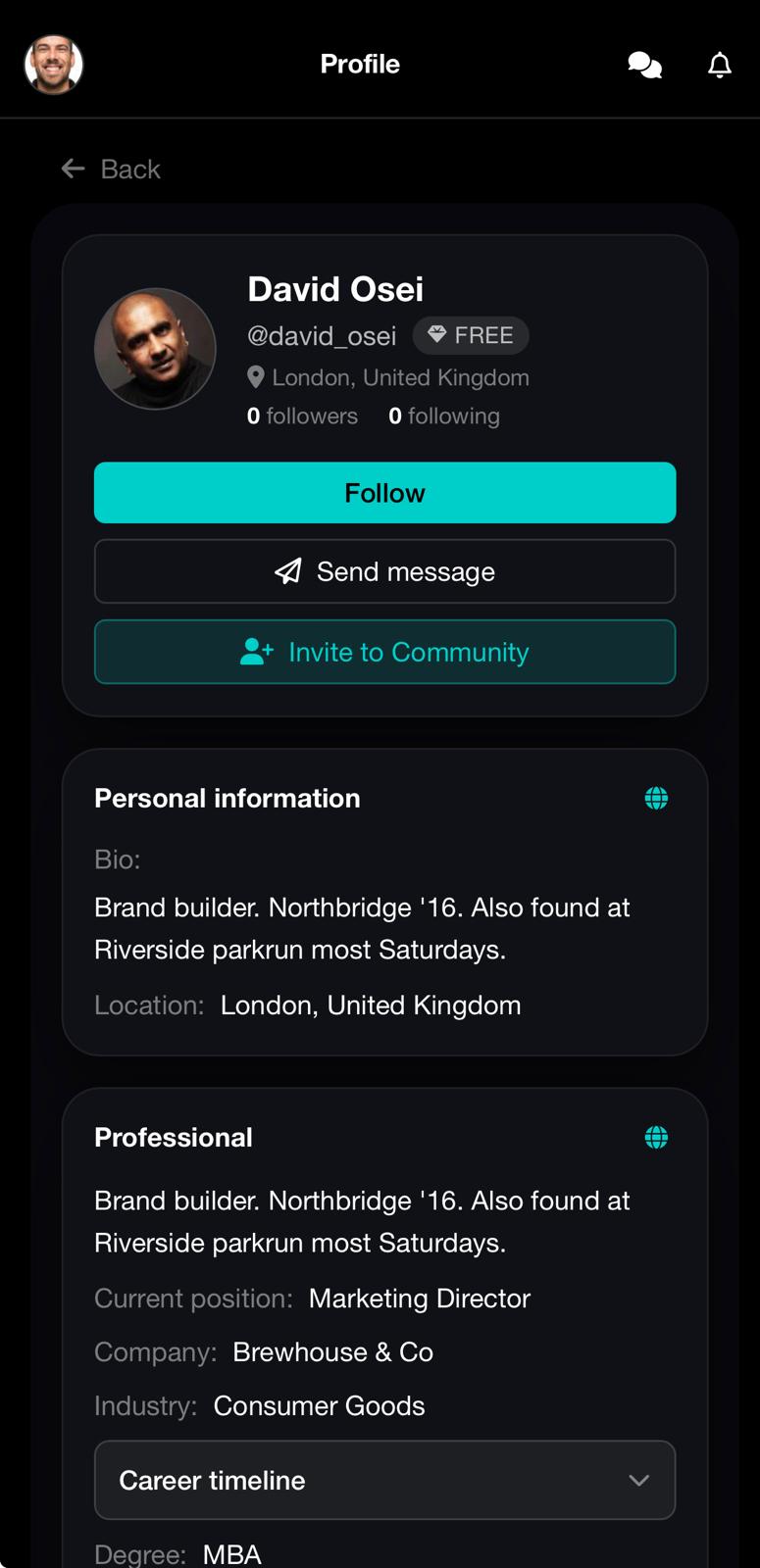
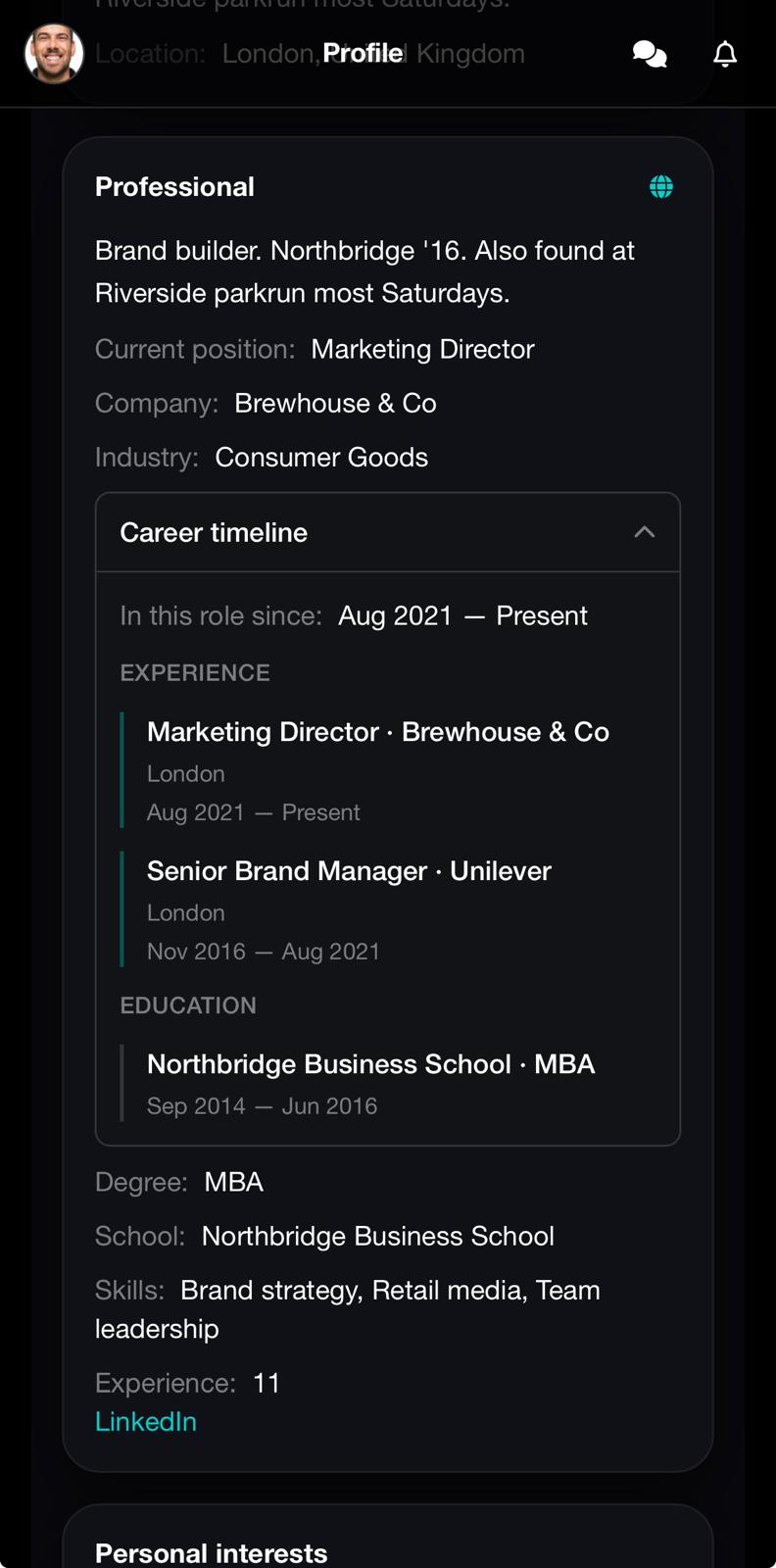
A personal side for close circles, a professional side for the network — career timeline, skills, education. Members decide what each community sees, and the organisation gets a real member directory out of it.
The right people,
found for you.
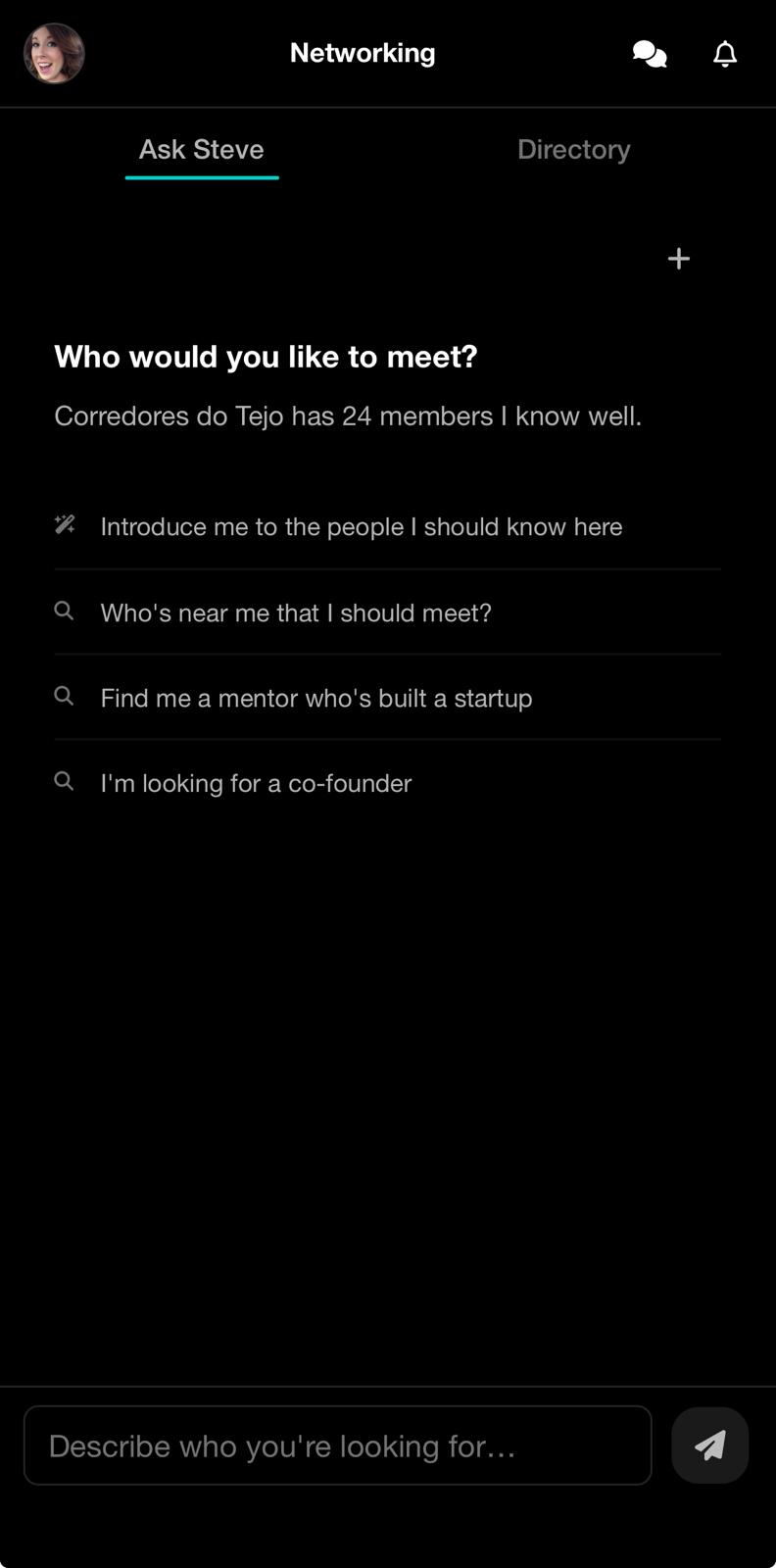
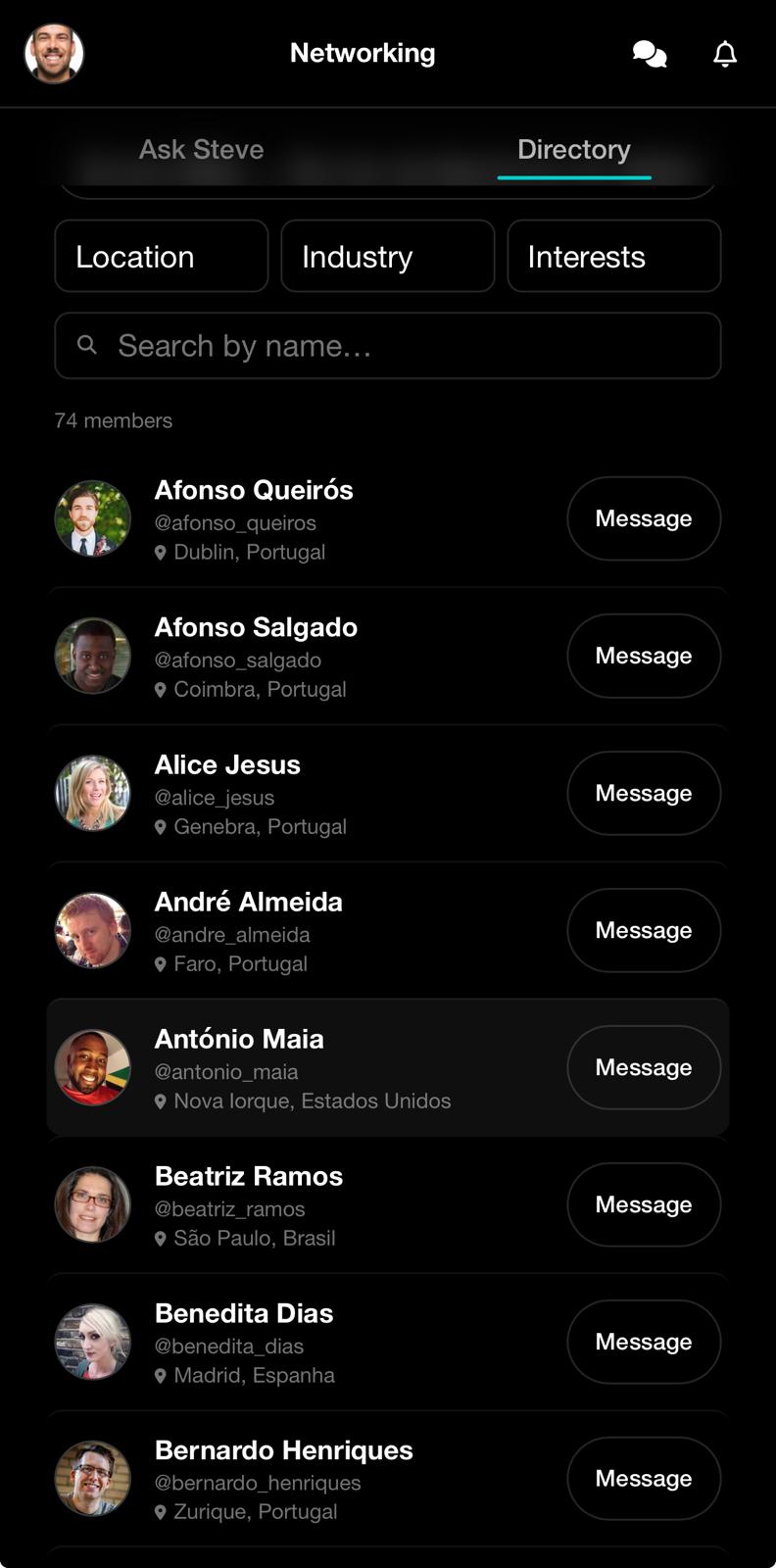
The platform's most powerful feature: intelligent networking. Ask Steve who to meet — a mentor, a co-founder, someone nearby — or browse the member directory filtered by location, industry, and interests.
Calendars where
the people are.
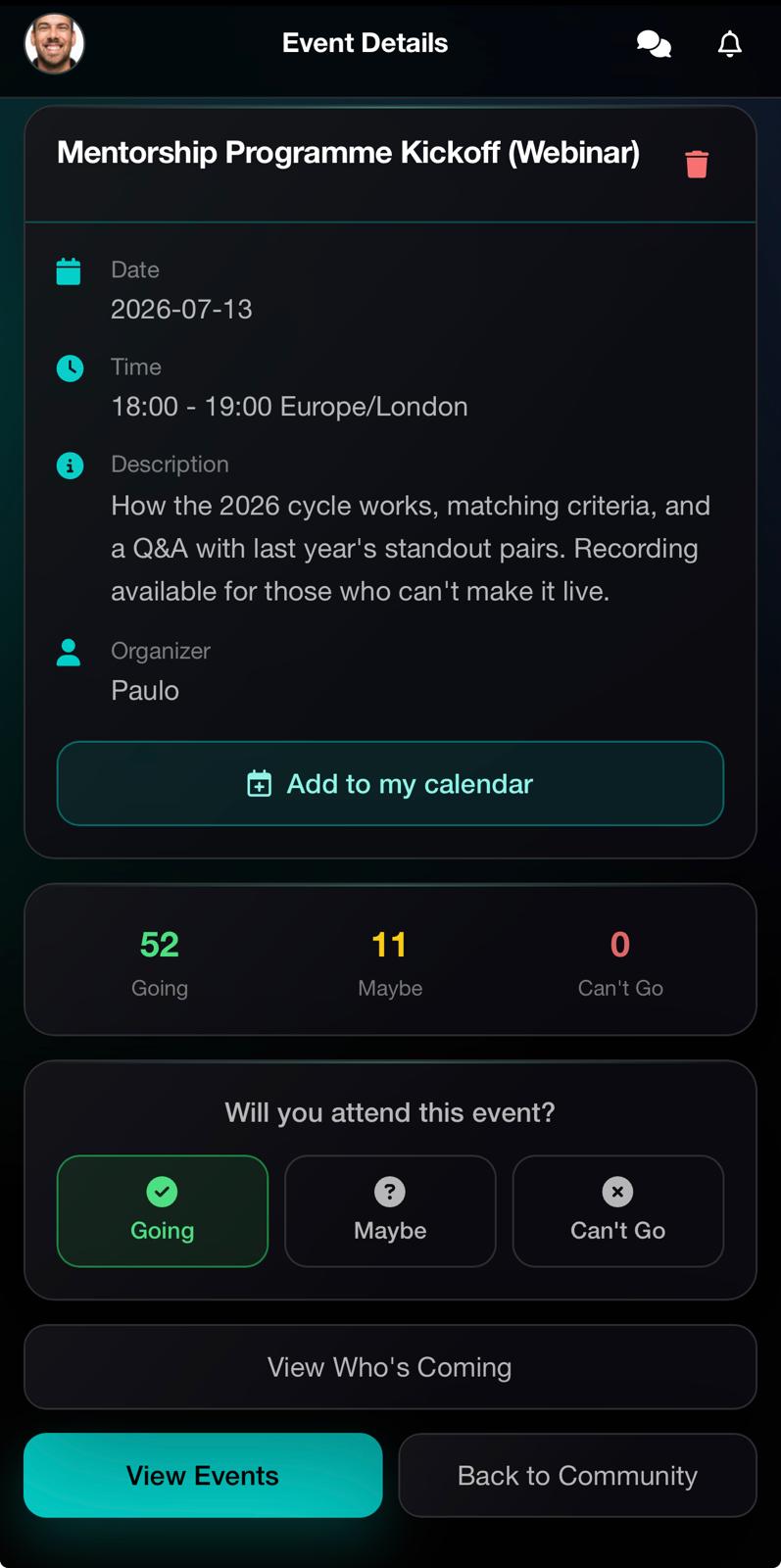
Events with RSVPs, reminders, and attendance — inside the community, next to the conversation, not in a detached tool nobody opens.
Ask me anything,
with the whole network watching.
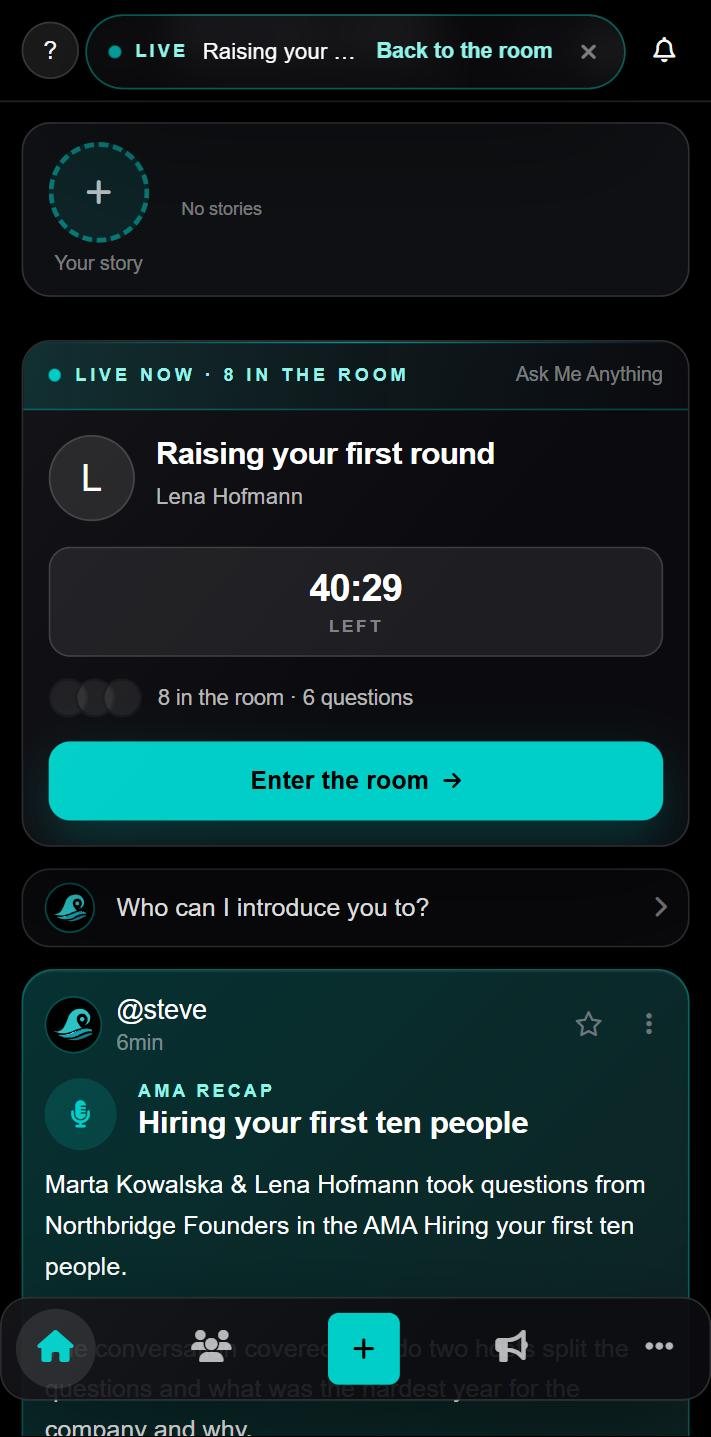
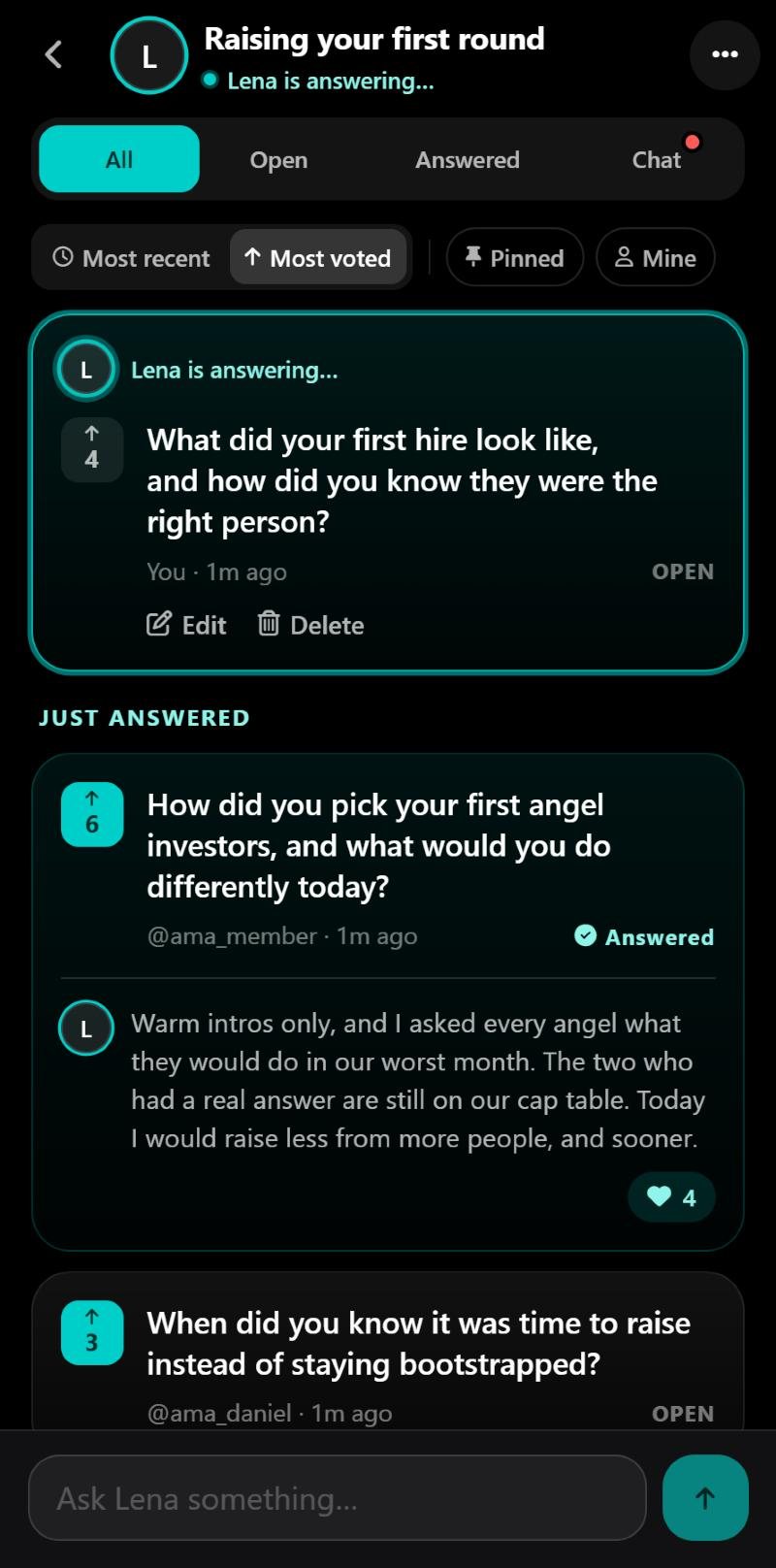
A time-boxed room with a live question board: members ask and vote, the guest answers in text or voice, and everyone sees who is in the room and which question is being answered right now. Steve posts the recap to the feed and reads the room for the owner afterwards.
The pulse of the room,
at a glance.
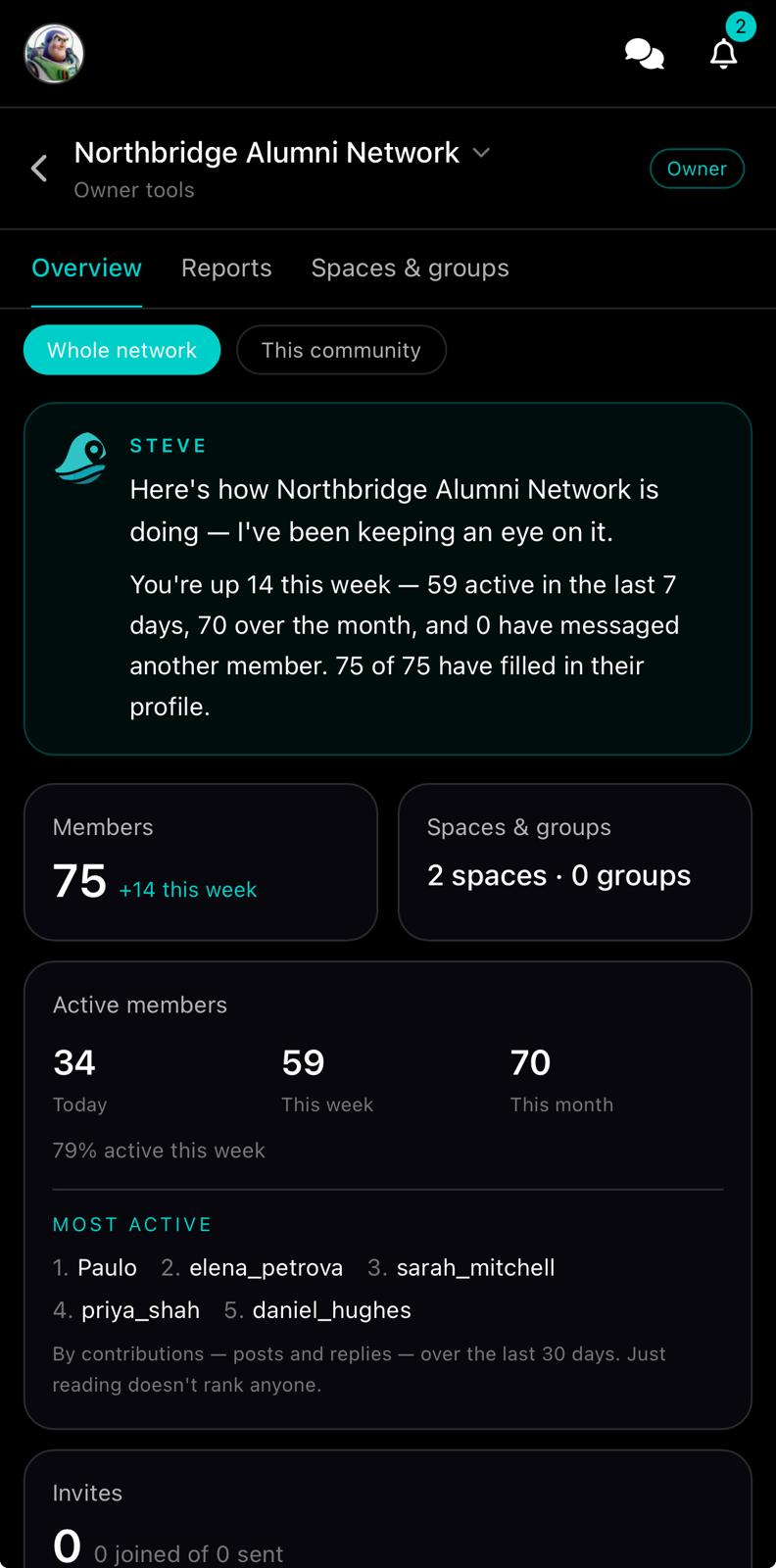
Owner tools with Steve-narrated analytics — member growth, weekly activity, who's driving the conversation, and which spaces are alive — so owners know how the network is doing without reading every thread.
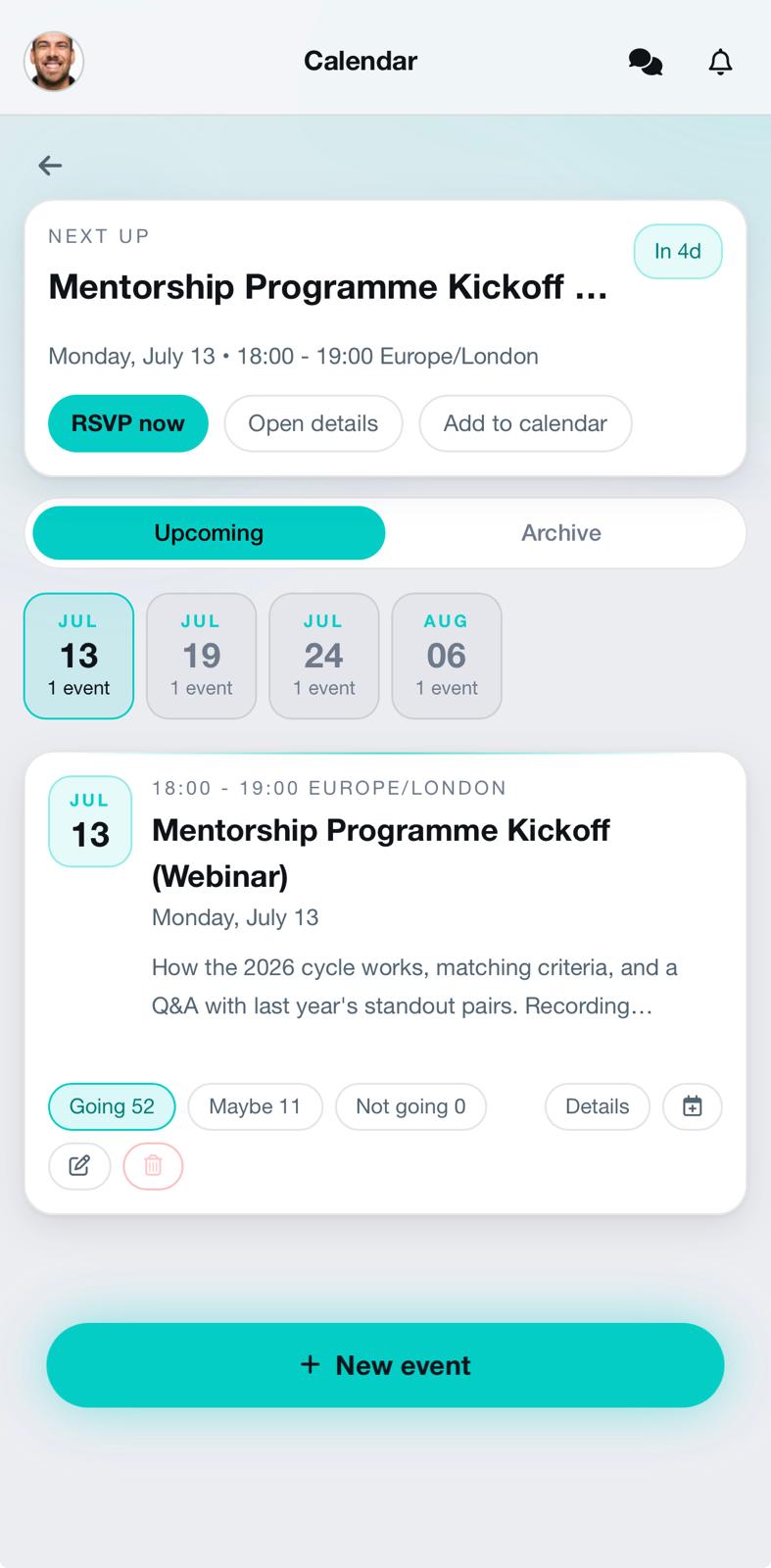
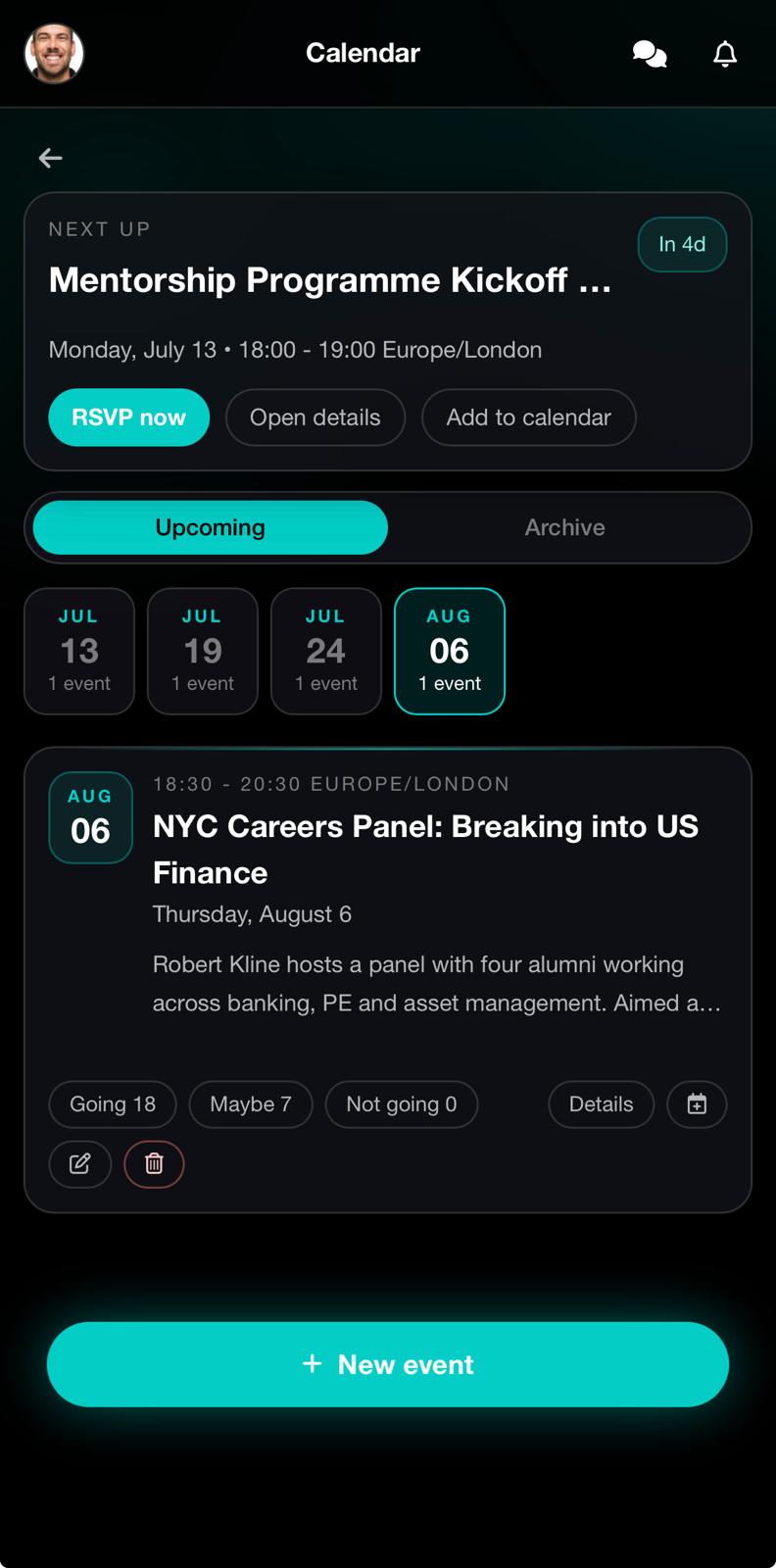
Light or dark.
Members choose.
The whole app ships in both interfaces — same communities, same tools, one tap apart. Every member picks the mode that suits them.

Behind all of it,
one intelligence: Steve.
Steve isn't a feature — he's the layer underneath them all. The same intelligence that powers the analytics, finds the right people, answers in the feed, and reads what your community shares.
Ask who to meet — Steve knows every member's journey, skills, and interests, and makes the introduction.
The owner analytics are narrated by him — growth, activity, and who's driving the conversation.
Mention @Steve under any post — summaries, answers, and decisions pulled from the thread itself.
Reads the files your community shares — ask about the bylaws, the deck, the meeting notes.
Understands pictures and transcribes voice notes — in English, Portuguese, and Spanish.
Add the Steve Community Package to a paid community and the whole room shares one intelligent presence — in the feed, groups, and chats.
Higher member caps, more media storage, optional add-ons — sized from a close circle to a full organisation.
The plans you see here are read from the same source of truth as the app — and billing always happens in-app.